01 · screenshot.png
The full-page browser screenshot, captured at a 1440 × 900 viewport.
Download screenshot.png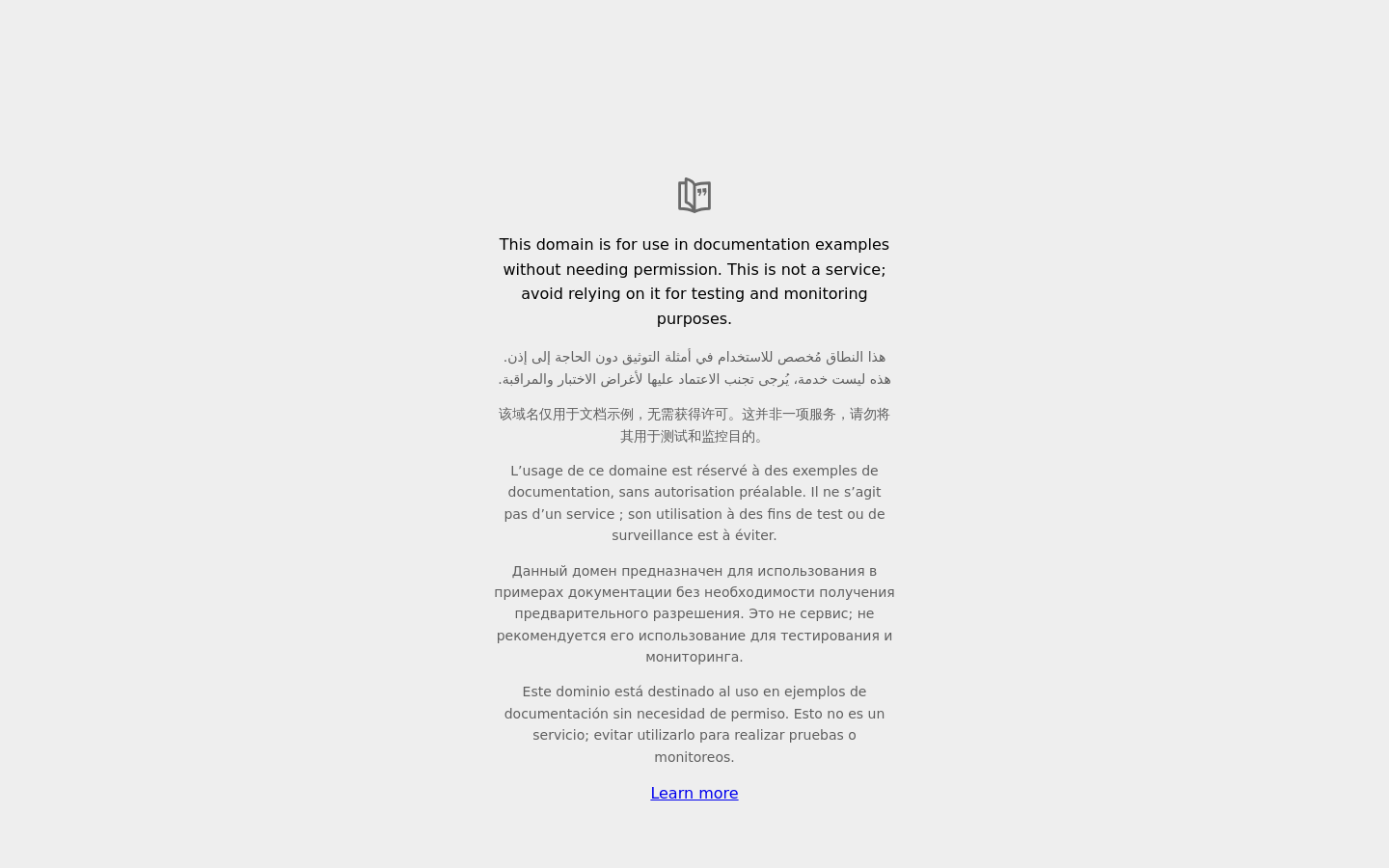
Integration reference · reviewed October 8, 2026 · x402 v2
Each capture returns a screenshot, rendered HTML, capture metadata, PDF report and signed receipt. Downloads expire after 30 days. Only the submitted hostname may load; assets and redirects to other hosts are excluded.
POST https://web-capture.j0wn0.chatgpt.site/v1/captures. GET returns discovery metadata and a payment quote only; it never captures a page.eip155:8453, amount 100000 in token units. Testnet tokens cannot pay.0x833589fcd6edb6e08f4c7c32d4f71b54bda02913.0x73e565f3b6ea6416bd9e62b98aa42c2f7a1385cc. Always check these details against the fresh quote before authorizing.PAYMENT-REQUIRED (also returned as JSON); send an x402 v2 authorization in PAYMENT-SIGNATURE. Confirmed settlement includes PAYMENT-RESPONSE. Legacy X-PAYMENT is not accepted.request_id and url, maximum 4,096 bytes. Generate a lowercase UUID once for each intended purchase and preserve it for recovery.This read-only discovery request needs no wallet or account and does not run a browser capture:
curl -i https://web-capture.j0wn0.chatgpt.site/v1/capturesExpect HTTP 402 while payments are enabled. To screen your chosen target and get a quote for the request, use quoteCapture below. An unsigned request does not reserve a capture slot. The 100-attempt cap includes failed attempts after a slot is claimed.
Explore the unchanged files from our owner’s successful example.com test capture on October 7, 2026. The payment used testnet tokens; this is a product example, not a customer sale. No account, wallet or payment is needed to download it.
Download all five files (.zip)
The full-page browser screenshot, captured at a 1440 × 900 viewport.
Download screenshot.pngThe rendered DOM as HTML. It preserves the captured markup, not a complete network archive or every external asset. Download and inspect the source in a text editor.
Download page.htmlRequested and final URL, HTTP status and headers, start and completion times, viewport, hostname restrictions and capture limitations. Times come from our service clock.
Download capture.jsonA readable report with the screenshot, capture details and verification guidance, ready to save or share.
View report.pdf · Download PDFThe exact signed manifest, SHA-256 hashes and byte counts for the other four files, plus the ECDSA P-256 signature. The receipt does not hash itself.
Download receipt.jsonVerify these example files locally in your browser →
These public documentation samples contain no download credentials. Customer captures still require their private download credential. The sample is a static copy; customer download links expire after 30 days.
For research agents preserving cited sources, download the research workflow bundle: task instructions, the buyer helper and a quote-only script. Read the workflow. Start without a wallet; paid execution requires your existing spending authorization.
Download the small Node.js helper below. It checks the exact 0.10 USDC quote on Base, uses your existing signer and returns the capture response. No Web Capture account or API key is needed. Your buyer wallet needs real USDC on Base; testnet tokens cannot pay this endpoint.
Node.js 22.13 or later. Install the tested SDK versions, download and inspect the helper, then save the next snippet as quote.mjs and run node quote.mjs.
npm install @x402/core@2.28.0 @x402/evm@2.28.0
curl --fail -o agent-capture.mjs https://web-capture.j0wn0.chatgpt.site/examples/agent-capture.mjs
import { quoteCapture } from './agent-capture.mjs';
// No wallet, signature or payment is needed for a quote.
const offer = await quoteCapture('https://example.com/');
console.log(offer.quote.accepts[0]);Continue from the same offer in your application. Supply your wallet client and approved spending policy; the example does not create a wallet or supply a private key. The helper requires both authorization and private durable attempt storage before it sends a paid request. Use a unique private directory for each purchase; existing attempt files must not be overwritten.
import { writeFile } from 'node:fs/promises';
import { purchaseCapture } from './agent-capture.mjs';
// Supply your agent's existing, authorized viem wallet client.
import { walletClient } from './your-wallet-client.mjs';

const outcome = await purchaseCapture(offer, {
  signer: {
    address: walletClient.account.address,
    signTypedData: args => walletClient.signTypedData(args)
  },
  // Use your existing owner-approved spending policy here.
  confirmPayment: async quote => approvedByYourSpendingPolicy(quote),
  saveAttempt: attempt => writeFile(
    'capture-attempt.json', JSON.stringify(attempt),
    { mode: 0o600, flag: 'wx' }
  )
});
await writeFile('capture-result.json', JSON.stringify(outcome),
  { mode: 0o600, flag: 'wx' });
// HTTP 200: outcome.result is the capture.
// HTTP 503 settlement_uncertain: capture is outcome.result.result.
// Handle the status before treating the purchase as confirmed.
// Keep both saved files private; they contain payment/access credentials.On a timeout or uncertain settlement, inspect your wallet before proceeding. Keep the saved attempt. If the server already recorded it, resending retrieves its existing state without another settlement attempt. If the original never reached the server, resending can execute that original purchase. Recovery is therefore not a universally free read-only request. Do not call purchaseCapture again or create a new UUID/signature for the same purchase.
import { readFile } from 'node:fs/promises';
import { recoverCapture } from './agent-capture.mjs';

// First inspect the wallet/receipt. Reuse the originals; do not buy again.
const attempt = JSON.parse(await readFile('capture-attempt.json', 'utf8'));
const outcome = await recoverCapture(attempt);
// No new signature is created. If the original reached the server,
// its saved result is recovered without resubmitting settlement.
// If it never reached the server, this can execute the original purchase.
Successful results include five file URLs and download_authorization.token. Save all five originals before expires_at. The helper restricts download credentials to this service and refuses redirects. Continue in the purchase file above, reusing its writeFile import and outcome:
import { mkdir } from 'node:fs/promises';
import { downloadCaptureFile } from './agent-capture.mjs';

if (outcome.httpStatus !== 200 ||
    outcome.result.settlement_status !== 'confirmed') {
  throw Error('Purchase not confirmed. Preserve the attempt and inspect the wallet.');
}
const capture = outcome.result;
// Use a new private directory for this capture.
const directory = `./capture-${capture.id}`;
await mkdir(directory, { mode: 0o700 });
for (const name of ['screenshot.png', 'page.html', 'capture.json',
                    'report.pdf', 'receipt.json']) {
  const bytes = await downloadCaptureFile(
    capture.downloads[name], capture.download_authorization.token
  );
  await writeFile(`${directory}/${name}`, bytes,
    { mode: 0o600, flag: 'wx' });
}
Verify the downloaded originals using the verification link. Do not publish the result JSON, saved attempt or download token.
The SDK helper has been tested with offline signatures, simulated responses and the live unpaid quote. As of the October 8 review, the end-to-end owner test used Base Sepolia; real-money settlement has not yet been verified.
PAYMENT-SIGNATURE. The price is 0.10 USDC on the quoted network.download_authorization.token. Download with Authorization: Bearer TOKEN; keep this credential private.POST /v1/captures
Content-Type: application/json
{
"request_id": "12345678-1234-4234-8234-123456789abc",
"url": "https://example.com/"
}id, status: "ready", settlement_status: "confirmed", testnet_only: false on mainnet, expires_at, verification_url, receipt, download_authorization and downloads. The helper wraps this object in outcome.result.payment_rejected; do not treat every 402 as permission to buy again.error. capture_failed_no_settlement means no settlement was submitted for that failed capture. settlement_uncertain may mean a transfer happened without a confirmed receipt.A 503 settlement_uncertain response has { "error": "settlement_uncertain", "result": { ...capture } }. With the helper, those files and their credential are at outcome.result.result. Downloading available files does not prove payment confirmation. Check the wallet transaction before deciding what happened; recovery does not settle an already recorded uncertain attempt again.
For downloads: 403 means the capture credential is missing or incorrect; 404 means the ID/file was not found; 409 means the capture is not ready; 410 means access expired; 503 means the artifact or storage is unavailable. The verification record and signing key are public; original customer files require the per-capture bearer credential.
The returned verification link lets you check all five downloaded files locally in your browser. Save the service public key independently. The signature proves the files match the service's signed receipt; it does not independently prove capture time, completeness, factual accuracy or legal admissibility.
No logins, paywalls, video, scheduled captures or permanent archive in this pilot. Bot-blocked sites and oversized pages can fail. No payment is settled when capture fails.
OpenAPI specification · Agent helper source · Current payment status